
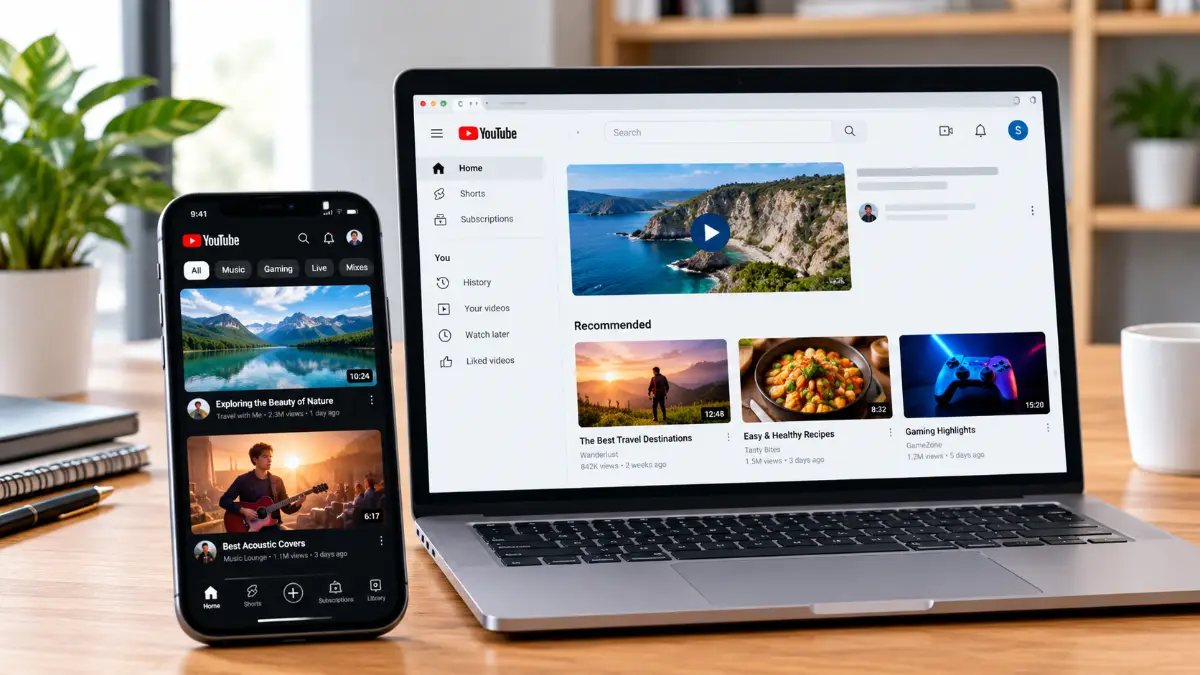
To open YouTube, enter youtube.com in your web browser or launch the official YouTube app on your phone, tablet, smart TV, or streaming device. You can watch many public videos without signing in. A Google Account unlocks features such as subscriptions, playlists, viewing history, and eligible purchases. If the app is missing or won’t load, the browser version is often a useful alternative. Below, you’ll find seven straightforward ways to access YouTube, instructions for using it on a TV, and fixes for common problems that stop videos from opening.
1. Open YouTube on a Computer
You don’t need to install a separate desktop application to watch YouTube on a Windows PC, Mac, or Chromebook. A current web browser is enough.
- Open Chrome, Edge, Safari, Firefox, or another compatible browser.
- Type youtube.com into the address bar and press Enter or Return.
- Choose a video on the home page, or search for a channel, title, or subject.
- Select Sign in if you want to use your Google Account.
2. Open the YouTube App on Android
On an Android phone or tablet, look for YouTube on the Home screen or in the app drawer. Tap its red-and-white icon to launch it. If it isn’t installed, find the official app in Google Play and check that the publisher is Google LLC.
You can also open Chrome or another mobile browser and enter youtube.com. That’s handy when the app is unavailable, but mobile web and the app don’t offer identical features. For example, YouTube says uploading and editing aren’t available through its mobile browser interface, and the browser must support JavaScript. Its official mobile browser instructions explain the limitation.
3. Open YouTube on an iPhone or iPad
Find the YouTube app on your Home Screen or in the App Library. Tap it to begin watching. If you don’t have it, search for the official YouTube app in Apple’s App Store.
Don’t want to install anything? Open Safari, enter youtube.com, and select the video you want.
4. Open YouTube on a Smart TV
Many smart TVs and streaming products support YouTube, including compatible Samsung, LG, Sony, TCL, and VIZIO televisions and devices such as Roku, Fire TV, Apple TV, Google TV, PlayStation, and Xbox. Availability depends on the exact model and software.
- Connect the TV or streaming device to the internet.
- Press Home on the remote and open the Apps section.
- Find and select YouTube.
- If it isn’t installed, search for it in the device’s official app store.
- Open the app and select a video or use its search feature.
An older television may no longer support the current app. Check YouTube’s supported TV devices guide before troubleshooting an unsupported model.
5. Sign In to YouTube on Your TV
Open YouTube on your television and select Sign in. Depending on your device, the screen may offer a QR code, an activation code to enter on your phone or computer, or sign-in using the remote.
Follow the instructions displayed on your TV. For activation, enter the code only at the official address shown there. YouTube TV sign-in instructions cover common options and troubleshooting. Don’t confuse an account activation code with a TV-linking code: the latter connects your phone to the television for playback control.
6. Cast YouTube From Your Phone to a TV
Casting lets you pick a video on your phone and play it on a bigger screen. For ordinary casting, connect your phone and compatible TV or streaming device to the same Wi-Fi network, open the YouTube app, tap Cast on your phone, and choose your TV.
If the devices aren’t on the same Wi-Fi, some can be linked using a TV code from the television’s YouTube settings. This option works through the mobile app, not a computer. YouTube also states that casting isn’t supported from youtube.com in a mobile browser, so use the phone app instead. The official TV casting and device-linking guide explains both approaches.
7. Open YouTube in a Browser Instead of the App
When you tap a video link, your phone may automatically launch the installed YouTube app. To use the website, open your browser first and type youtube.com directly into the address bar.
If links still switch to the app, review the default link-opening or app-link settings on your device. Options differ across Android and iOS versions, so a setting named in one tutorial might not appear on your phone.
Why Won’t YouTube Open? Try These Fixes
A blank screen, endless loading spinner, crash, or playback error doesn’t always mean YouTube itself is down. Work through these checks before reinstalling anything:
- Check your internet connection. Test another website, or switch between Wi-Fi and mobile data where available.
- Reload or restart. Refresh the page, close and reopen the app, or restart your device.
- Update software. Install an available YouTube app update and update your browser or device software.
- Try the other access method. If the app fails, test youtube.com in a browser, or vice versa.
- Check browser interference. Clear cache and cookies if needed, and test whether extensions are interrupting playback.
- Check restrictions. School, workplace, family, or network controls may limit access.
On a TV, power cycling the device can help. Google’s YouTube video troubleshooting guide includes additional error-specific steps.
YouTube vs. YouTube TV
Regular YouTube is the video platform for creator uploads, Shorts, livestreams, and other video content. YouTube TV is a separate subscription service for live television in the United States. You don’t need YouTube TV to watch regular public videos. Some YouTube videos or features still require payment, age verification, or sign-in.
Conclusion
The quickest route is simple: enter youtube.com in your browser or tap the official YouTube app. If you’re watching on a TV, find the app in its Apps menu. When something won’t open, check your connection and updates first, then try a browser to narrow down the problem.
- Read more: Open YouTube
Frequently Asked Questions
How do I open YouTube directly?
Enter youtube.com in your browser’s address bar or tap the official YouTube app. Either option opens the regular video platform.
Can I watch YouTube without downloading the app?
Yes. A compatible browser on a computer, phone, or tablet can play YouTube videos, although some mobile creation features are unavailable on the website.
Do I need a Google Account to watch YouTube?
Not for many public videos. You will need to sign in for features such as subscriptions, purchases, and some restricted content.
Why does a YouTube link open the app instead of Chrome?
Your device may be set to send supported links to installed apps. Try entering youtube.com manually or reviewing its app-link preferences.
Why isn’t YouTube opening on my phone?
The connection, app version, device software, or temporary service issue may be responsible. Restart YouTube, update it, and test the website.
How do I open YouTube on my smart TV?
Open your TV’s Apps menu, select YouTube, and launch it. If the app is missing, check the device’s official store and compatibility.
Where do I enter a YouTube TV activation code?
Follow the official activation address displayed in your television’s YouTube app. Don’t enter your code on an unrelated website.
Can I cast YouTube from my phone?
Yes, on compatible equipment. Use the YouTube mobile app’s Cast option or link the television using a TV code.
Is regular YouTube free?
Yes, many videos are available free with ads. Premium subscriptions, rentals, memberships, and certain other content may have charges.
What if YouTube still won’t load after restarting?
Try another browser or network, install updates, and check browser extensions. If the problem persists across devices, check for a network or service issue.