MS Word Tutorials
-
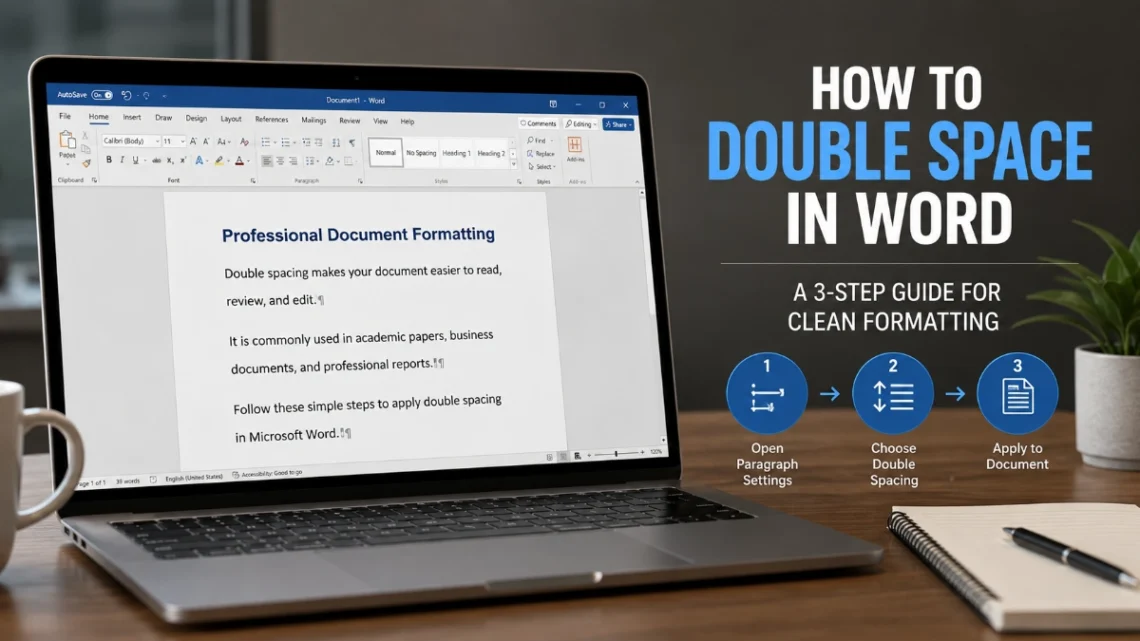
How to Double Space in Word: A 3-Step Guide for Clean Formatting
How to Double Space in Word: 3 Proven Steps for Cleaner Documents To double-space part of a document, select the paragraphs, open Home > Line and Paragraph Spacing, and choose 2.0. To double-space the entire document in Word for Windows, go to Design > Paragraph Spacing and choose Double. Decide the formatting scope Before changing settings, decide whether the requirement applies to selected text, the current document, or future documents. This prevents an all-document setting from changing headings, lists, or other content that should keep separate formatting. Need Use this route One paragraph or selected text Home > Line and Paragraph Spacing Most or all of the current document Design…